
A cloud bill rarely jumps. It creeps. An instance sized for a launch that never needed it, a staging environment running every night and weekend, snapshots nobody has looked at in two years. Each item is small. Together they are often a meaningful share of the bill.
This checklist is what we work through when a client asks why their AWS spend keeps rising faster than their customer count. It is aimed at business applications and SaaS products, not at hyperscale platforms, and it is ordered from the safest, quickest wins to the changes that need more care.
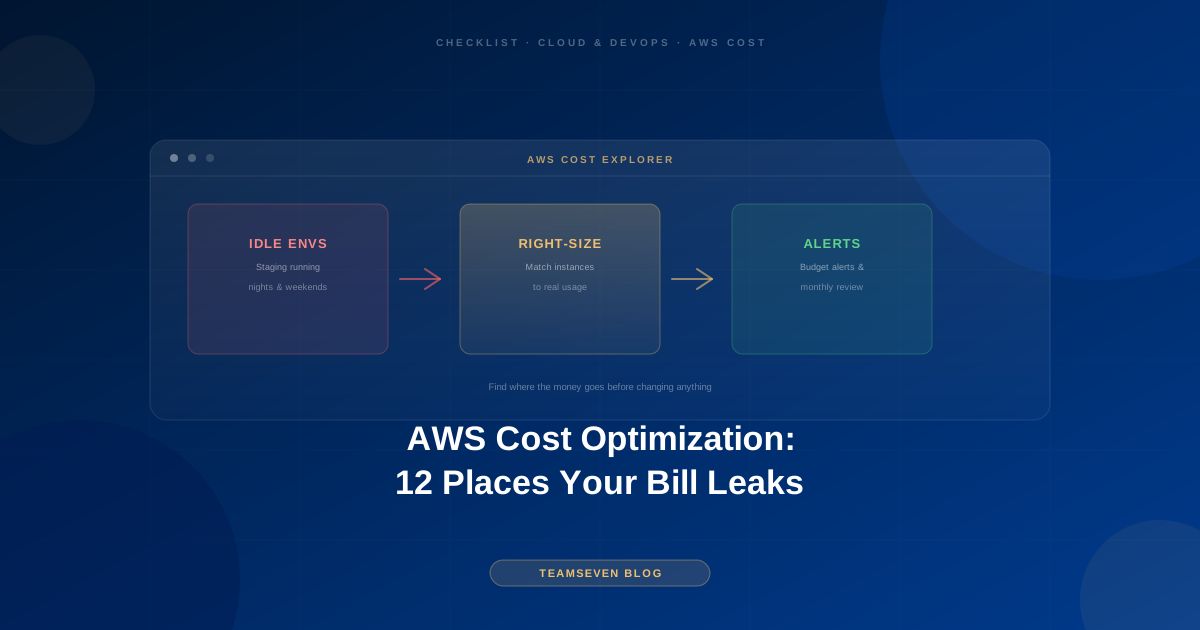
One rule before you start: find out where the money goes before you change anything. Open Cost Explorer, group by service, and look at the last three months. You will usually find that two or three services make up most of the bill. Start there.
Quick, low-risk wins
1. Environments that run when nobody uses them
Staging, QA, and demo environments often run 24 hours a day, seven days a week, while the team works a fraction of that. Scheduling non-production environments to stop outside working hours is one of the simplest changes available and carries almost no risk.
2. Forgotten resources
Look for load balancers with no targets, unattached storage volumes, idle databases from an old experiment, and elastic IPs not attached to anything. Every account that has been running for a few years has some. Confirm each one is genuinely unused, snapshot if in doubt, then delete.
3. Snapshots and backups with no retention policy
Backups are essential. Keeping every daily snapshot forever is not. Set a retention policy that matches what the business actually needs (for example, daily for a month and monthly for a year) and let old snapshots expire automatically.
4. Logs kept forever
Application and access logs are useful for weeks, sometimes months. Keeping them all at full price indefinitely is a slow leak. Set retention periods, and move anything you must keep for longer to cheaper archival storage.
Right-sizing
5. Oversized instances
Servers are frequently sized for a guess made at launch. Look at actual CPU and memory use over a few weeks. If an instance rarely goes above a small fraction of its capacity, it is a candidate for a smaller size. Change one at a time, in staging first, and watch the metrics afterwards.
6. Oversized databases
The same applies to managed databases, and they are often the largest single line on the bill. Check CPU, memory, and connection counts before downsizing, and remember that a database that is slow because of missing indexes needs better queries, not a bigger server.
7. Old instance generations
Newer instance generations usually offer better performance for the price. Moving from an older generation to a current one is often a straightforward change with a direct saving.
Architecture and purchasing
8. Storage classes
Files that are rarely read after the first few weeks, such as old uploads, generated reports, and exports, do not need to sit in the most expensive storage class. Lifecycle rules can move them to cheaper classes automatically.
9. Data transfer
Data moving out of AWS, and sometimes between regions or availability zones, is charged. A surprising transfer line usually points to something specific: large files served without a CDN, chatty services in different zones, or backups copied somewhere unnecessarily.
10. Commitments for steady workloads
If part of your infrastructure runs constantly and will keep running, savings plans or reserved capacity can cost noticeably less than on-demand pricing. Only commit for the baseline you are confident about. Committing before right-sizing locks in the waste.
11. Paying for peak capacity all the time
If traffic is heavy for a few hours a day and quiet the rest, running at peak size around the clock means paying for idle capacity. Auto-scaling or scheduled scaling fits capacity to demand. This is a larger change than the others and needs testing, but for spiky workloads it can be the biggest lever.
Keeping it fixed
12. No owner and no alerts
Costs creep back when nobody is watching. Tag resources by environment and purpose so the bill is readable, set budget alerts so a sudden change is noticed within days rather than at the end of the month, and review the bill monthly as part of normal maintenance.
What not to do
Don't cut backups to save money. The saving is small and the risk is enormous. Tune retention instead.
Don't downsize production blind. Every right-sizing change should be based on real metrics and tested in staging first.
Don't commit to a long reservation before right-sizing. You will be paying for the waste for years.
Don't trust any promised percentage before someone has seen the account. Every account is different, and anyone quoting a saving in advance is guessing.
When to get help
Most of items 1 to 4 can be done by any engineer comfortable in the AWS console. Right-sizing production, changing storage architecture, and introducing auto-scaling are where experience pays for itself, because a mistake there shows up as an outage rather than a line on the bill.
Our AWS infrastructure optimization work starts with exactly this checklist as a fixed-price audit: where the money goes, what can safely change, and the expected effect of each change, before anything is touched. Keeping it tuned afterwards is part of our software maintenance and support retainer.
FAQ
How much can AWS cost optimization save? It depends entirely on the account. Accounts that have never been reviewed usually have obvious waste in idle environments, forgotten resources, and oversized instances. Accounts that are already well run have less to find. An audit is the only honest way to answer.
Is it safe to downsize production servers? Yes, if it is based on real usage metrics, tested in staging first, and done one change at a time with monitoring in place. It is not safe to do on a guess.
How often should we review our AWS bill? Monthly, with budget alerts in between. Most cost problems are cheap to fix when caught in the first month and expensive when found a year later.
Should we move to a cheaper hosting provider instead? Sometimes, for very simple applications. For most business applications, fixing the waste on the current platform is cheaper and less risky than another cloud migration.
Muhammad Nabeel is the co-founder of Teamseven. We build and run production systems on AWS for clients in the US, UK, and Australia. If your cloud bill is growing faster than your business, book a free 30-minute call.
Related reading
Stay connected
Build notes, launches, and new articles from the Teamseven team.