
Cloud Migration Guide: How to Move a Business Application Without Breaking It
A practical cloud migration guide for business applications: the audit, the three migration strategies, the side-by-side cutover, and the mistakes that turn a weekend move into a month of firefighting.

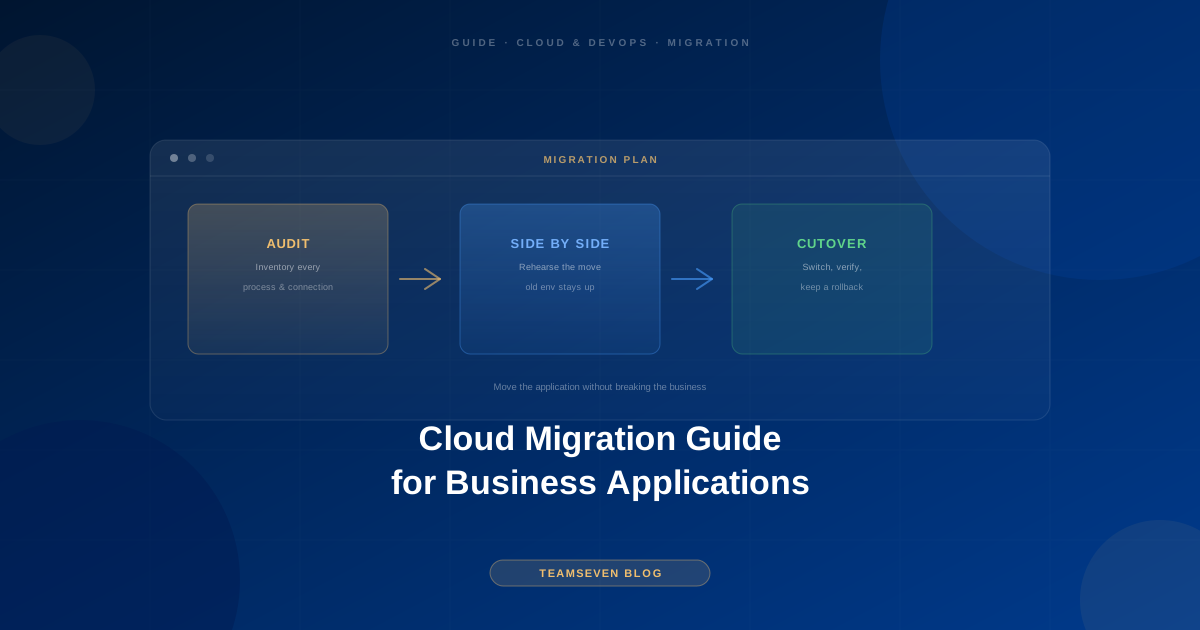
Most cloud migrations don't fail on the technology. They fail on the cutover: the night the old server is switched off, something nobody wrote down turns out to depend on it, and the business spends a week finding out what.
This guide is for owners and technical leads moving a real business application, a SaaS product, a customer portal, or an internal system, from shared hosting, an on-premise server, or an ageing cloud setup onto modern cloud infrastructure. It is written from the software side. We build and run production systems on AWS, including i-mve, the platform 510 UK removals companies run their operations on, so this is the process we actually follow, not a vendor diagram.
Step 1: Find out what you actually have
Before anyone picks a target architecture, write down what exists today. It is always more than people think.
- Every running process. The web application, obviously. Also the cron job that sends invoices at 2am, the script someone added to clean up uploads, and the reporting export a manager relies on every Monday.
- Where the data lives. The main database, file uploads on local disk, session storage, logs, and any spreadsheet that is secretly part of the system.
- Every inbound and outbound connection. Payment providers, email services, accounting integrations, webhooks from partners, and IP allow-lists on the other side that will reject you from a new address.
- How it gets deployed. If the honest answer is "someone copies files over", note it. It changes the plan.
- What breaks if the server disappears. This is the question that exposes the real risk.
This inventory is the most valuable document in the whole migration. Most of the painful surprises we see come from items that were never on it.
Step 2: Choose the right migration strategy
There are three realistic approaches for a business application. The right one depends on the state of the code, not on ambition.
| Strategy | What it means | When it fits |
|---|---|---|
| Re-host ("lift and shift") | Move the application largely as-is onto cloud servers | The code is sound and the main problem is the hosting |
| Re-platform | Move, and swap a few parts for managed services (database, storage, email) | The code is sound but you want less to maintain |
| Rebuild | Re-engineer significant parts during the move | The application itself is the problem, not the hosting |
Our default recommendation is re-host or re-platform first, improve later. Moving and rebuilding at the same time doubles the number of things that can go wrong on cutover night, and it makes any problem impossible to attribute. If the application genuinely needs rebuilding, treat that as a separate legacy software modernization project with its own plan.
Re-platforming is usually the sweet spot. Moving the database to a managed service and file uploads to object storage removes two of the most common causes of outages (a full disk and an unpatched database server) for very little code change.
Step 3: Design the target, sized for today
The target architecture should fit the application you have, with a clear path to the next stage. It should not be designed for a traffic level you might reach in five years.
A typical target for a business application on AWS looks like this:
- Application servers or containers behind a load balancer
- A managed relational or document database with automated backups
- Object storage for uploads and generated files
- Separate staging and production environments
- Secrets stored in a secrets manager, not in the code or on the server
- Monitoring, error tracking, and alerts that reach a person
Kubernetes, multi-region failover, and microservices are real tools, but they are rarely the right starting point for a single business application. They add operational cost from day one and only pay back when the scale justifies them.
Step 4: Build the new environment alongside the old one
This is the step that separates calm migrations from stressful ones. Do not switch anything off until the new environment is proven.
- Build the new environment completely, including the deployment pipeline.
- Deploy the application to it and run it against a copy of production data.
- Test every item from your Step 1 inventory: the cron jobs, the integrations, the exports, the emails.
- Rehearse the data migration at least once end to end, and time it.
- Write the rollback plan: exactly what you do, and in what order, if the cutover goes wrong.
The rehearsal matters more than people expect. It tells you how long the real data move takes, which decides how long the maintenance window needs to be. It also finds the problems while nothing is at stake.
Step 5: The cutover
With the rehearsal done, the cutover itself should be boring:
- Announce a maintenance window in your quietest traffic period.
- Put the old system into read-only or maintenance mode so data stops changing.
- Run the final data migration and verify record counts and a sample of real records.
- Switch DNS or the load balancer to the new environment.
- Run the smoke tests you prepared: log in, complete a core transaction, trigger an integration.
- Keep the old environment intact and ready for at least a week.
Keeping the old environment is the rollback plan made real. The cost of an extra week of old hosting is tiny compared with having nowhere to go back to.
Step 6: After the move
The first two weeks are when the forgotten items surface: the monthly report, the partner that allow-listed your old IP address, the email that now lands in spam because the sending domain was not configured. Watch the error tracking closely, keep the inventory open, and tick items off as each is seen working in production.
Then, and only then, start the improvements that were deliberately left out of the migration: tuning the cloud bill, adding a proper CI/CD pipeline if it was not part of the move, and scaling changes.
The mistakes we see most often
Migrating and rebuilding at once. Covered above, and still the most common. Two big changes on one night make every problem ambiguous.
No inventory. Teams skip Step 1 because they "know the system". The cron job nobody remembers is always the one that matters.
No rehearsal. The first time the data migration runs should never be the real cutover.
Switching off the old server too early. Keep it until you are certain.
Cloud accounts in the agency's name. Every account, credential, and domain should be owned by your business from day one. If a provider sets things up under their own account, that is a lock-in problem waiting to happen.
Do you need a cloud migration consultant?
If you have an engineer who has done a production migration before, you may not. If you do not, or the application is one your revenue depends on, experienced help is cheap compared with a failed cutover. Look for a team that starts with an audit, insists on a rehearsal and a rollback plan, and leaves every account in your name.
That is how our own cloud migration consultant work runs: a fixed-price audit of the current setup, then a phased migration with the old and new environments running side by side until the new one is proven.
FAQ
How long does a cloud migration take? For a single business application with a clear inventory, the preparation usually takes a few weeks and the cutover itself a few hours. The preparation is where the time goes, and it should: a rushed preparation is what produces a long, painful cutover.
Will there be downtime? Usually a short, planned maintenance window while the final data copy runs. With a rehearsal you will know its length in advance. Zero-downtime migration is possible but adds complexity that is rarely worth it for business applications.
Should we move to AWS, Azure, or Google Cloud? All three are capable. The better question is which one your team, your existing contracts, and your integrations favour. Most of the production systems we run are on AWS.
Will the cloud be cheaper than our current hosting? Not automatically. A lift-and-shift onto oversized servers can cost more. The savings come from right-sizing, managed services, and switching off what you do not need, which is why cost tuning belongs after the move.
Can we migrate a system nobody on our team understands anymore? Yes, but the audit becomes more important, not less. If the original developers are gone, reading the code and the server configuration is how the inventory gets built.
Muhammad Nabeel is the co-founder of Teamseven. We build and run production platforms on AWS, including i-mve for 510 UK removals companies. If you're planning a move, book a free 30-minute call and we'll tell you honestly what your migration involves.
Related reading
Stay connected
Build notes, launches, and new articles from the Teamseven team.