
Five Security Holes We Find in Almost Every Lovable, Bolt or Claude-Built App
AI app builders are great for a first version and weak on security. The five holes we check first in an AI-built app, and how to close each one.

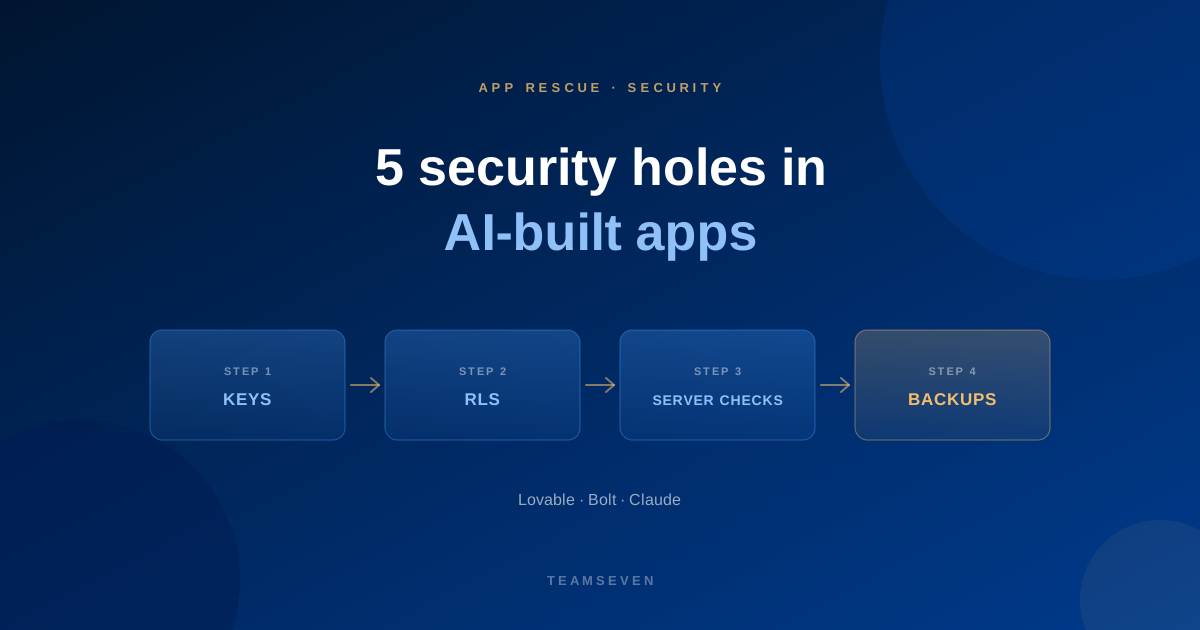
AI app builders have changed who can ship software. A founder with a clear idea can have a working product in a weekend. We've seen it first hand: a UK dentist built a practice app with Claude, and we later turned it into a multi-tenant SaaS now sold to other practices.
What these tools are consistently weak at is the part nobody sees in a demo: security. The app works, the screens look right, and underneath there are gaps that only show up when real users and real data arrive.
These are the five we check first. None of them is exotic. All of them are in the OWASP Top 10 we build to on every project.
1. Secret keys in the browser
AI builders often call third-party services, like payments, email and AI models, directly from the front end. To do that, the API key has to be in the code that runs in the user's browser, where anyone can read it.
Why it matters: anyone can copy the key and use your account, running up bills or sending email as you.
The fix: move those calls to a server function. The browser asks your backend; only the backend holds the key.
2. Missing or wrong database access rules
Many AI-built apps use a hosted database like Supabase, where security depends on row-level security (RLS) policies. If RLS is off, or the policies are too loose, a logged-in user can often read or change other users' data just by changing a request.
Why it matters: this is the most serious and most common issue we see. It turns one curious user into a data breach.
The fix: turn RLS on for every table and write policies that match who should see what. We explain it without jargon in Supabase row-level security explained.
3. Checks that only happen on screen
The app hides the admin button from normal users, so it looks secure. But the action behind the button doesn't check who's asking. Anyone who calls it directly gets admin powers.
Why it matters: hiding something in the interface isn't security. Every action has to check permissions on the server.
The fix: enforce roles and ownership on every server action and API route, not just in the UI.
4. Trusting whatever the user sends
Forms that validate only in the browser, file uploads with no type or size checks, and inputs passed straight into queries. AI-generated code often assumes the user will behave.
Why it matters: attackers don't use your form. They send whatever they like.
The fix: validate every input on the server, restrict uploads, and use parameterised queries.
5. No backups, logs or limits
Nothing records who did what, there's no tested backup, and nothing stops someone hammering the login page or an expensive AI endpoint.
Why it matters: when something goes wrong, you can't see what happened or recover from it.
The fix: automated backups you have restored, audit logs for sensitive actions, and rate limits on logins and costly endpoints.
What to do if your app has these issues
Don't panic, and don't start again from scratch. Most AI-built apps have a good product underneath. The usual path is:
- A security review against the OWASP Top 10
- Fix the critical issues first: keys, database rules, server-side checks
- Then strengthen the rest: data model, billing, multi-tenancy, backups
We do this as a fixed-price code audit with the critical fixes included, or as part of a full vibe-coded app rescue.
Are apps built with Lovable or Bolt safe to launch?
They can be, once they've been reviewed and the common gaps are closed. The builders produce working code quickly, but security needs a human check before real users and personal data arrive.
How do I know if my AI-built app has a security problem?
Start with two questions: are any secret keys visible in the browser, and is row-level security on for every database table? If you're not sure, that's reason enough for a review. See what a code audit should tell you.
Do I need to rebuild my AI-built app?
Usually not. We keep what works and rebuild the risky parts: authentication, data access, billing. A rewrite is only worth it when the structure can't support the product. Our rewrite or refactor guide explains how to decide.
Stay connected
Build notes, launches, and new articles from the Teamseven team.