
Supabase Row-Level Security Explained for Non-Developers
On Supabase, row-level security decides who sees which data. RLS in plain English, the mistakes AI-built apps make with it, and how to check yours.

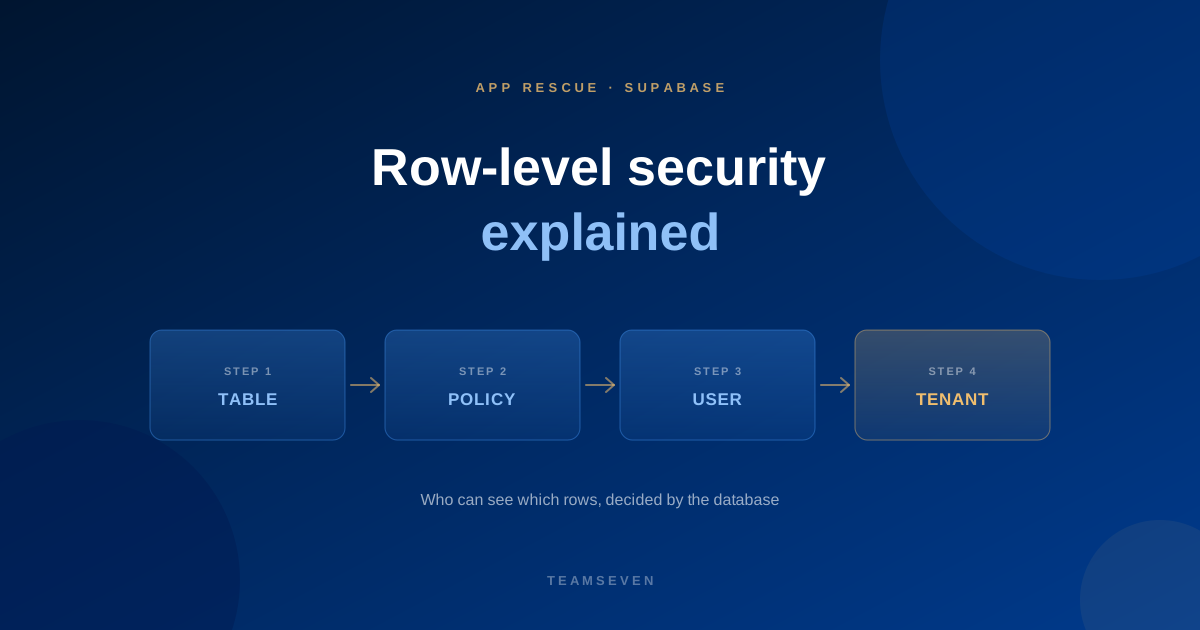
Many apps built with Lovable, Bolt or Claude run on Supabase. It's a good choice for a first version: a real Postgres database with login and file storage built in.
It comes with one setting that matters more than any other: row-level security, usually shortened to RLS. If you're a founder, you don't need to write RLS yourself. You do need to know whether it's switched on and doing the right thing, because it decides who can see your customers' data.
What row-level security does
Think of your database as a set of spreadsheets: one for customers, one for orders, one for messages. Each row is one record.
In many Supabase apps, the browser talks to the database directly. That's what makes Supabase quick to build with. It also means the database itself has to decide, for every request, which rows this particular user may see or change.
RLS is how it decides. Each table has rules, called policies, such as:
- "A user can read their own orders."
- "A user can update their own profile."
- "Staff at a clinic can read that clinic's patients, and no others."
With RLS on and good policies, a user asking for "all orders" gets only theirs. With RLS off, they get everyone's.
The three mistakes we see most
1. RLS is switched off
Some tables are created with RLS disabled, often during early development to "get things working". If it's never switched back on, those tables are readable by anyone with the app's public key, which is visible in the browser.
2. Policies that allow everything
RLS is on, but the policy says any logged-in user can read every row. It looks secure in a checklist and protects nothing between customers.
3. Rules that forget multi-tenancy
When an app grows from one business to many, like a clinic app sold to other clinics, every table needs rules that keep each business's data separate. Policies written for a single customer don't do that. This was central to turning a dentist's Claude-built app into a multi-tenant SaaS for other practices.
How to check your app, without writing code
Ask your developer, or whoever built it, these questions:
- Is RLS enabled on every table?
- For each table, who can read, create, update and delete rows?
- If the app serves several businesses, how is each business's data kept apart?
- Has anyone tested it by logging in as one user and trying to read another's data?
If the answers are vague, get a review before you add more users. Our code audit covers exactly this, with the critical fixes included.
When to move off Supabase
Supabase can run a production app well when RLS is set up correctly. Some products outgrow it: complex business rules, lots of integrations or background work. Then we usually add your own API on top of the same Postgres data and move logic across in stages. Read more on our Supabase page.
Is Supabase secure?
Supabase itself is a solid platform. Whether your app is secure depends mostly on how its row-level security policies are written. That's the part AI-built apps most often get wrong.
Can I turn on RLS myself?
You can switch it on in the Supabase dashboard, but doing so without the right policies can stop your app working, because nothing will be allowed through. Plan the policies first, then enable and test.
What else should I check in an AI-built app?
Secret keys in the browser, server-side permission checks, input validation and backups. See five security holes in AI-built apps.
Stay connected
Build notes, launches, and new articles from the Teamseven team.