
How to Audit a B2B Business for Time and Money Leaks
Find where your business loses hours and money: follow one job from enquiry to paid invoice, mark every re-key and wait, then fix the costliest leak first.

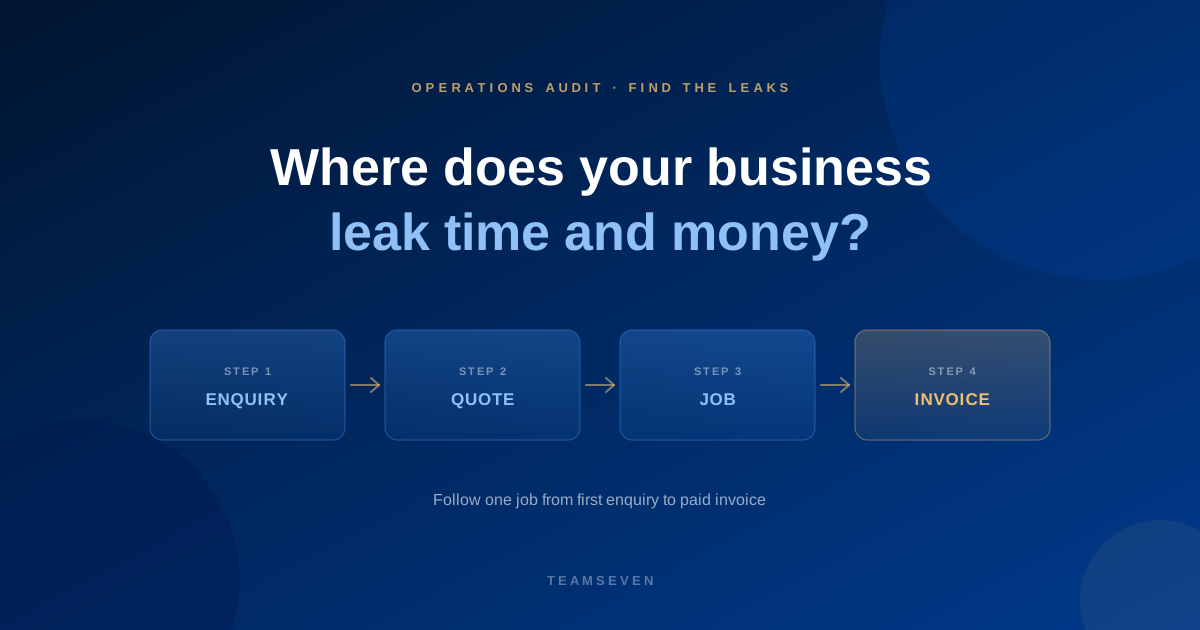
Most owners we speak to can feel that the business is leaking. Staff are busy all day, yet jobs slip. Revenue looks fine, yet cash is tight. Nobody can say where the hours go.
The leaks are rarely in the big numbers. Salaries, rent and the software bill are visible, so they get managed. The leaks sit in the small, constant things: a job typed into three places, a quote nobody chased, an invoice sent a week late, a Monday report built by hand. Each one is minor. Together they are often the difference between a team that is stretched and one that has room to grow.
This guide is the method we use before we build anything. It works whether or not you ever hire us, and it doesn't need a consultant. It needs a few hours, the people who do the work, and honesty about how things really run.
Start with one piece of work, not the whole business
The most common mistake is trying to audit everything at once. You end up with a wall of sticky notes and no decisions.
Pick one thing your business does over and over and follow it from start to finish. For most B2B companies that is the journey from first enquiry to paid invoice:
- An enquiry arrives (web form, phone, email, referral, a lead platform)
- Someone qualifies it and prepares a quote
- The quote is sent, chased and accepted
- The work is scheduled and people or stock are assigned
- The work is delivered and signed off
- An invoice is raised, sent, paid and reconciled in the accounts
When we started work on i-mve, the removals founder described exactly this journey. Bookings were doubling up and it was hard to track which staff were on which job. The problem wasn't any single step. It was the hand-offs between them.
Map how it really runs, not how it should run
Sit with the person who does each step and watch them do it. Don't map from the process document or from memory. Ask them to share their screen and talk you through a real, recent example.
For every step, write down:
- What triggers it. An email, a phone call, a reminder, someone remembering.
- Who does it, and who covers when they are away.
- Which tool they use: the CRM, a spreadsheet, email, WhatsApp, paper.
- What information they need and where they get it from.
- What they produce and where it goes next.
- How long it waits before the next step starts.
You will almost always find steps that exist only in someone's head. Those are your riskiest leaks, because they stop the moment that person is ill or leaves.
We cover this step in depth in how to map business processes before automating.
Mark the four kinds of leak
With the map in front of you, go through it step by step and mark four things.
1. Re-keys
Every time someone copies information from one place to another by hand, mark it. A customer's address typed from an email into the CRM, then into the job sheet, then into the invoice. Each copy costs time, and each one is a chance for a typo that turns into a wrong delivery or a disputed invoice.
2. Chasing and waiting
Mark every place where work stops until someone chases it: a quote waiting for approval, a job waiting for a signature, an invoice waiting to be sent. Waiting doesn't show up on a timesheet, but it shows up in cash flow and in customers who go elsewhere.
3. Missing money
Follow the money separately. Is every piece of work that was done invoiced? Are extras and changes captured, or agreed on the phone and forgotten? Do payments reach the accounts, or does someone reconcile them at month end? This is where revenue leakage lives.
4. Guesswork
Mark every decision made without data because the data takes too long to get. How many quotes were won last month? Which customers are most profitable? Which jobs overran? If the honest answer is "we'd have to pull it together", that is a leak. Decisions made on gut feel cost money in ways nobody can see.
Put a rough cost on each leak
You don't need precision. You need enough to rank the leaks against each other. For each marked item, estimate:
- How often it happens (per day, week or month)
- How long it takes each time
- Who does it, and roughly what their time costs
- What goes wrong when it fails (a lost job, a late payment, a refund)
A worked example, with made-up numbers: if two people each spend 20 minutes a day copying job details between systems, that is over three hours a week. Multiply by their hourly cost and by the weeks in a year, and a "minor annoyance" becomes a real line in the budget. Add the occasional mistake that sends a crew to the wrong address, and it grows again.
Our guide to the hidden cost of manual processes walks through this calculation properly.
Look at the tools, not just the tasks
Once the leaks are marked, step back and list every tool the process touches. Most growing businesses have more than they realise: a CRM nobody fully uses, a scheduling app, a quoting spreadsheet, an accounting package, a shared inbox, a messaging group.
Ask three questions of each tool:
- Does anyone use it every day?
- Does it share data with the tools around it, or does a person carry the data across?
- Would anyone notice if it was switched off tomorrow?
Sometimes the fix for a leak is cancelling a tool, not buying one. We cover this in the SaaS tool sprawl audit.
Rank the leaks and fix one first
You now have a list of leaks, each with a rough cost. Sort it. Then, for the top few, ask what the smallest fix would be.
The honest answer is often not custom software:
- A setting or feature you already pay for. Many tools have automations nobody switched on.
- An off-the-shelf tool. When a proven product fits, we recommend it. We would rather tell you that than sell you a build.
- A process change. Sometimes one person owning a step fixes more than any system.
- An integration. When two good tools don't talk to each other, connecting them can remove a whole category of re-keying. i-mve, for example, sends invoices straight to Xero, QuickBooks or Sage so nobody retypes them.
- Custom software. When the work is specific to how your business competes, and no tool fits, building it is worth it. That is how i-mve started, and it now runs 523 removals companies.
Fix the costliest leak first, measure the difference, then move to the next. Trying to fix everything at once is how businesses end up with a big, late project and the same problems.
What an audit found in practice
Two examples from our own work, to show what "leak" means outside a spreadsheet.
Removals. Most removals work comes through referrals and estate agents, yet most software is built around paid lead providers. Firms filled the gap with spreadsheets and memory. Bookings doubled up, staff were hard to track, and invoicing happened wherever someone had time. Building the whole journey, from enquiry and quote to job and invoice, in one system closed those gaps.
Parking. Our Australian parking client had staff managing access at peak times. Plate recognition, payments and gate control in one flow meant routine entries and exits needed nobody, across 17 sites and around 25,000 vehicle transactions a month. Operators moved that staff time to other work.
In both cases the audit came first. The software was simply the fix for the biggest leak.
When to bring someone in
You can run this audit yourself. It is worth bringing in an outside team when:
- The people who know the process are too busy to map it
- The leaks cross several tools and you need someone who can see how the data should flow
- You suspect the answer is software and want an honest view on build, buy or change
Our business process audit is free. It starts with a 30-minute call where you walk us through a normal week, and ends with a written proposal that says what we found, what to fix first, and what not to build.
How long does a business process audit take?
For one core process, like enquiry to invoice, a few hours of mapping with the people who do the work is usually enough to find the biggest leaks. A full review across several teams takes longer, but it's rarely worth starting there. Begin with the process that frustrates you most.
Do I need special software to audit my processes?
No. A whiteboard, sticky notes or a simple table is enough. What matters is watching the real work, not the tool you draw it in. Use our business process audit checklist to make sure you ask the right questions.
What if the audit shows we need custom software?
Then you'll know exactly which process it has to fix and what it's worth to you, which is the best possible brief. Read how to calculate the ROI of automation before you commit, and get a fixed quote based on the map, not a guess.
Related reading
Stay connected
Build notes, launches, and new articles from the Teamseven team.