8 Signs Your Business Has Outgrown Spreadsheets (and What to Do Next)
Spreadsheets are a great start and a poor system. Eight signs yours are holding the business back, and how to choose between off-the-shelf and custom.

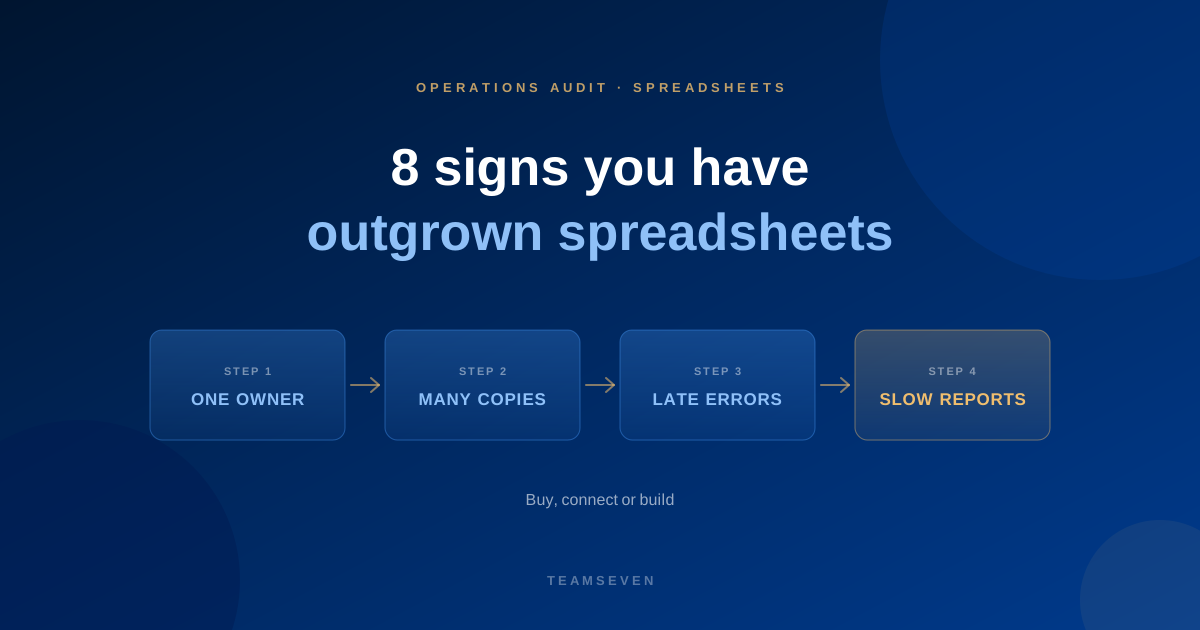
Almost every business we work with started on spreadsheets, and that was the right call. A spreadsheet is fast, flexible and free. You can change it in a minute when the business changes.
The trouble is that the qualities that make a spreadsheet great at the start make it a poor system later. It has no rules, no history, no permissions and no link to anything else. As more people and more work depend on it, those gaps turn into leaks.
Here are the signs we see most often.
1. One person understands it
There is a spreadsheet the business depends on, and one person knows how it works. When they are away, the process slows or stops. When they leave, nobody dares touch the formulas.
This is the most dangerous sign, because nothing looks wrong until the day it is.
2. The same data lives in several files
Customer details in one sheet, jobs in another, invoices in a third, and a fourth that combines them for a report. Every copy has to be kept up to date by hand, and they drift apart.
3. Nobody is sure which version is right
"Final", "final v2", "use this one". Two people edit at the same time and the totals don't match. Meetings start with a discussion about whose numbers are correct.
4. Mistakes are found late
A formula was overwritten, a row was sorted without its neighbours, a price was pasted into the wrong cell. Spreadsheets don't stop you, and they don't warn you. The mistake shows up weeks later on an invoice or in a customer complaint.
5. Reports take hours to build
Every week someone copies numbers from several sheets into a summary. By the time it is ready it is already out of date. Decisions wait for the report, or get made without it.
6. You can't see who changed what
A number changed. Who changed it, when, and why? A spreadsheet can't tell you in any useful way. For anything involving money, customers' personal data or regulated records, that matters.
7. Different people need different access
The field team should see their jobs, not the margins. Customers want to see their own orders, not everyone's. A spreadsheet is all or nothing.
8. Keeping it working has become someone's job
If a person spends a large part of their week maintaining, fixing and reconciling spreadsheets, you are already paying for a system. You are just paying for it in salary instead of software.
What to do next
If three or more of these sound familiar, it is time to plan the move. You have three options.
Option 1: an off-the-shelf tool
For common work, like standard CRM, bookkeeping or simple project tracking, a proven product is often the right answer. It is cheaper to start and someone else maintains it. We recommend these when they fit, and we'd rather tell you that than sell you a build.
Option 2: connect the tools you have
Sometimes the spreadsheet exists only because two tools don't talk to each other, and someone exports from one and imports into the other. An integration can remove the spreadsheet entirely.
Option 3: custom software
When the spreadsheet encodes the way your business competes, like your pricing rules, your scheduling logic or your service model, off-the-shelf tools force you to change how you work. That is when custom software pays for itself.
That was the story of COMPASS. Researchers at Ball State University were running their autism programme on REDCap forms, spreadsheets and paper session logs. A platform built around their plans, surveys and consultations replaced all three, and gave trainers, teachers and parents the right view of the same records.
How to move without chaos
- Map the process first. Don't copy the spreadsheet into software. Copy the work. See how to map business processes before automating.
- Clean the data before you move it. Duplicates and half-filled rows are easier to fix now than later.
- Move one process at a time. Start with the one that hurts most.
- Run both for a short while. Check the new system against the old before switching off.
Can I keep using spreadsheets for some things?
Yes. Spreadsheets are excellent for analysis, one-off calculations and trying out ideas. The problem is using them as the system of record for day-to-day operations that many people depend on.
How much does it cost to replace spreadsheets with custom software?
It depends on how much of the business the spreadsheets run. The smallest project we take on is $5,000, a first version usually costs $8,000 to $12,000, and most full systems land between $10,000 and $30,000. You get a fixed quote after mapping the process.
How do I know which option is right for us?
Map the process and cost the leaks first. Our free business process audit does exactly that and ends with a written recommendation, including when an off-the-shelf tool is the better choice. Start with the full audit guide.
Stay connected
Build notes, launches, and new articles from the Teamseven team.