
How to Map Your Business Processes Before You Automate Anything
Automating a messy process makes the mess faster. Map how work moves through your business, then decide what to fix, automate or leave alone.

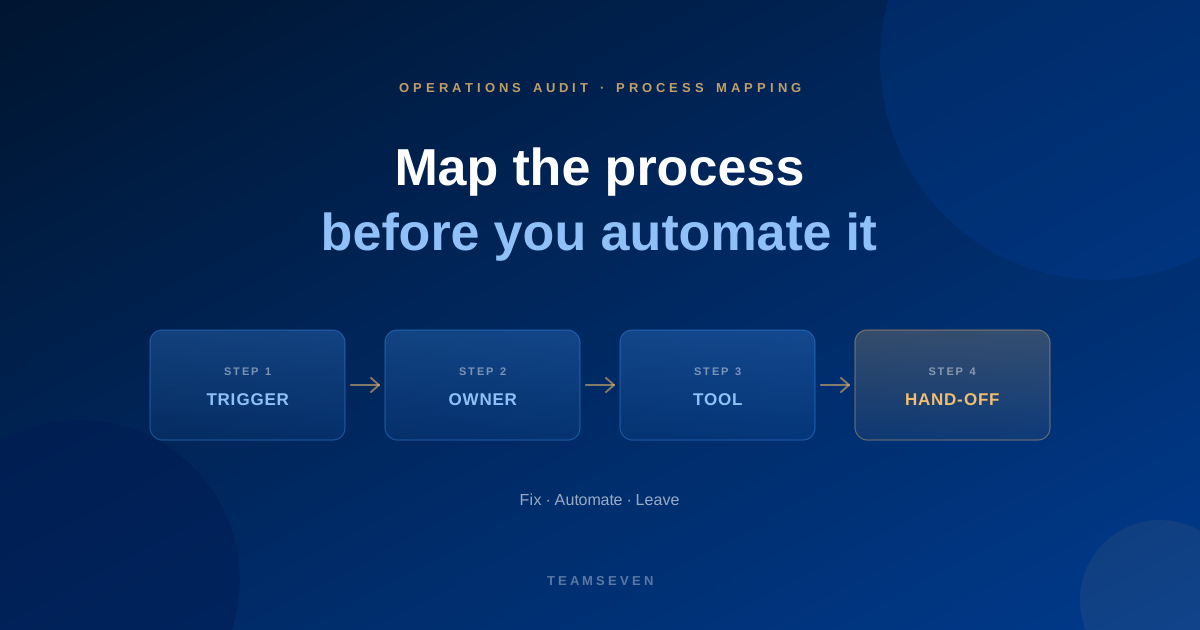
The quickest way to waste money on automation is to automate a process nobody has looked at properly. You end up with software that does the wrong thing very efficiently, and a team that works around it.
We learned this the practical way. In our early years we started coding too soon. Today we design the architecture and get designs approved before we write a line of code, and that starts with mapping how the work really happens. This post is the method.
Map reality, not the manual
Every business has two versions of each process: the one in the handbook and the one people follow. Only the second one matters.
So don't map from documents or from a manager's description. Sit with the person who does the work, ask them to share their screen, and walk through a real example from last week. Record what they do, not what they say they do.
Step 1: pick one process with clear edges
Choose a process with a clear start and end, done often enough to matter. Good first choices:
- Enquiry to quote
- Quote to job
- Job to invoice
- Invoice to payment
- New customer onboarding
Avoid "how we run the business". It is too big to map in one go and too vague to fix.
Step 2: list the steps in order
Write each step as a short verb phrase: "check availability", "send quote", "book van". For each one note:
- Trigger. What starts it: an email, a call, a form, a reminder, a person remembering.
- Owner. Who does it, and who covers when they are away.
- Tool. Where it happens: CRM, spreadsheet, email, chat, paper.
- Inputs. What information they need and where it comes from.
- Output. What they produce and who needs it next.
A simple table works. Sticky notes on a wall work. The tool doesn't matter; the honesty does.
Step 3: draw the hand-offs
Now connect the steps. Every arrow from one person or tool to another is a hand-off, and hand-offs are where work waits and information gets lost.
Mark each hand-off with how the information travels: typed across, forwarded by email, mentioned in a chat, or passed automatically. The ones carried by people are your first automation candidates.
Step 4: mark the exceptions
The normal path is usually fine. The trouble is in the exceptions: the customer who changes the date, the job that needs an extra person, the invoice that's disputed.
Ask: "What happens when this goes wrong?" and map the answer. Exceptions tell you how flexible any new system needs to be. If half the jobs are exceptions, the "exception" is really the normal process.
Step 5: mark the waits and the re-keys
Go through the map and mark two things in a different colour:
- Waits. Where work sits until someone picks it up. Estimate how long.
- Re-keys. Where the same information is typed again.
These marks are where time leaks. Our guide to the hidden cost of manual processes shows how to put a cost on them.
Step 6: sort each step into fix, automate or leave
For every step, decide:
- Leave. It works, it's rare, or it needs human judgement. Automating it adds cost without benefit.
- Fix first. The step is inconsistent: different people do it differently. Agree one way before automating, or you'll automate the confusion.
- Automate. It's frequent, repetitive and follows clear rules. These are your best candidates.
Be strict about "fix first". The biggest automation failures we see come from automating a process the team didn't agree on.
Step 7: check it with the team
Show the finished map to the people who do the work. Ask what's missing. There is always something: a spreadsheet nobody mentioned, a phone call that happens every Friday, a step one person does "just in case".
What the map gives you
A good process map is the best brief you can hand anyone who is going to change the process, whether that's your own team, a tool vendor or a software partner. It shows:
- What the system must do in the normal case
- Which exceptions it must handle
- Which tools it must connect to
- Which steps shouldn't be automated at all
When we built i-mve for UK removals firms, mapping the real journey showed that work arrives through referrals and estate agents, not just lead providers, and that enquiries, quotes, emails, invoicing and accounting all had to live in one flow. That map shaped a product that now runs 523 companies.
How detailed should a process map be?
Detailed enough that someone new could follow it, and no more. If you're arguing about whether a step deserves its own box, it probably doesn't. Focus on hand-offs, waits and re-keys, because that's where the leaks are.
Which tool should I use to map processes?
Whatever your team will use: a whiteboard, sticky notes, a spreadsheet table or a diagram tool. The value is in the conversation with the people doing the work, not the drawing.
What comes after the map?
Cost the leaks, rank them and fix the biggest one first. The full method is in how to audit a B2B business for time and money leaks. If you'd like us to map it with you, our business process audit is free.
Stay connected
Build notes, launches, and new articles from the Teamseven team.