
Removals CRM vs Spreadsheets: When It's Time to Switch
Spreadsheets run plenty of removals firms well, until they don't. The signs it's time for a removals CRM and what to look for in one.

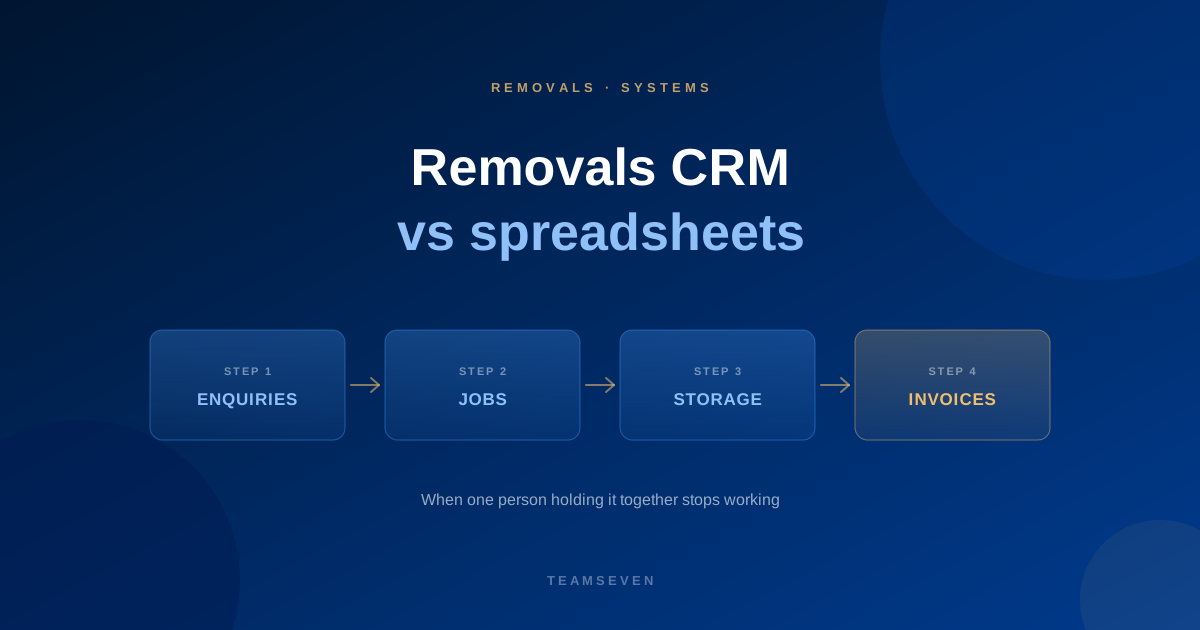
Plenty of good removals firms run on spreadsheets, a diary and a shared inbox. When the owner does most of the quoting and there are a couple of crews, it works. Everyone knows where everything is because one person holds it together.
The trouble starts when the business grows past that one person.
Signs the spreadsheets have stopped working
- Bookings double up. Two jobs on the same van, or the same crew in two places. This is what the founder of i-mve told us on day one: bookings were doubling up and staff were hard to track.
- Quotes are slow because survey notes, prices and customer details live in different places.
- Nobody knows which quotes are open, or which were chased.
- Storage billing is done by hand each month, and sometimes missed.
- Invoices are retyped into Xero, QuickBooks or Sage.
- You can't tell where your best jobs come from, because referrals and agents aren't tracked alongside lead providers.
- Only one person understands the spreadsheet, and the business slows when they're away.
Two or three of these is normal. Five or more and the spreadsheets are costing you jobs. Our general guide to signs you've outgrown spreadsheets goes wider.
Why a generic CRM often doesn't fit
The obvious next step is a well-known CRM. For sales-led businesses that's fine. Removals is different:
- A job has a survey, an inventory and a volume, not just a deal value.
- Work is scheduled against crews and vehicles, with dates that move.
- Many firms also run storage, with containers, contents and recurring billing.
- Customers expect emails and updates at each stage: quote, booking, reminder, completion.
- Much of the work arrives through estate agents and referrals, which generic CRMs don't model well.
Firms that bend a generic CRM to fit usually end up with the CRM plus the spreadsheets they were trying to leave.
What a removals CRM should do
- One place for every enquiry, with its source
- Surveys that feed quotes, using your own rates
- Scheduling of jobs, crews and vehicles with clashes flagged
- Storage units, contents and recurring billing
- Customer emails at each stage
- Invoices synced to your accounting package
- A clear view of open quotes, booked jobs and revenue
That's the scope i-mve grew into. We explain how in how we built a CRM for UK removals companies.
Buy or build?
Buy an existing removals product if it fits how you work. Build your own only if the way you run jobs is part of how you compete, or if you intend to sell the system to other firms, which is what i-mve's founder did. Our guide to custom software vs off-the-shelf walks through the decision.
How long does it take to move from spreadsheets to a removals CRM?
Plan for a few weeks of setup and data clean-up with an existing product, longer for a custom build. Move one process first, usually enquiries and quotes, then scheduling, then invoicing.
Will I lose my existing customer data?
No, if it's planned. Customer lists, storage records and open jobs can be cleaned and imported. It's the best moment to remove duplicates and fix old records.
Where can I see what a removals system looks like?
See the i-mve case study and our removals industry page.
Stay connected
Build notes, launches, and new articles from the Teamseven team.