
Stripe Subscriptions: Trials, Upgrades and Failed Payments Done Properly
The Stripe subscription checkout takes an afternoon. Trials, plan changes, proration, failed cards and cancellations take the rest.

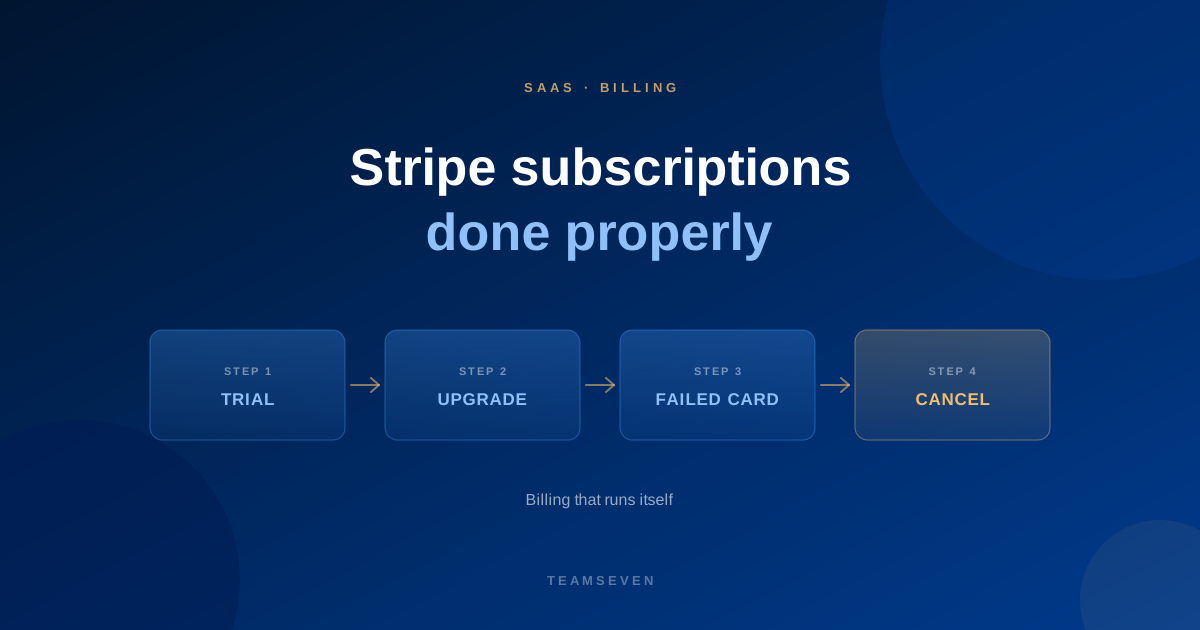
Every SaaS founder eventually learns that billing is a product in its own right. Taking the first subscription payment is easy. Everything that happens afterwards is where revenue quietly leaks: trials that never convert, upgrades charged wrongly, cards that fail and customers who drift away without anyone noticing.
Here's how we approach subscription billing on Stripe, the provider we use most for subscriptions.
Trials
Decide early whether your trial needs a card up front.
- Card up front: fewer sign-ups, but more of them convert, and billing starts automatically.
- No card: more sign-ups, but you need a clear path to add payment before the trial ends.
Either way, send reminders before the trial ends, and make sure the app knows exactly what happens on the last day: downgrade, lock or read-only.
Plans and upgrades
Customers will change plans, add seats and move between monthly and yearly billing. Each needs a rule:
- Upgrades usually take effect immediately, with the difference prorated.
- Downgrades often take effect at the end of the current period.
- Seat changes need a clear rule on when they're charged.
Stripe handles the arithmetic. Your job is to decide the rules and make the app enforce what each plan includes.
Failed payments
Cards expire, get replaced or hit limits. Without a plan, those customers churn without ever deciding to leave. A good failed-payment process, usually called dunning:
- Retries the charge on a sensible schedule
- Emails the customer with a direct link to update their card
- Shows a clear banner in the app
- Gives a grace period before access is restricted
- Tells you, so someone can reach out to important accounts
This is one of the most valuable pieces of billing to get right, and one of the most often skipped.
Webhooks
Stripe tells your app what happened, like a payment succeeded, a card failed or a subscription was cancelled, through webhooks. They must be verified, logged and safe to receive twice, because Stripe will retry. If webhooks are handled carelessly, your app and Stripe drift out of step and customers are charged for things they can't use, or use things they didn't pay for.
Cancellations and refunds
Let customers cancel without a support ticket, decide what happens to their data, and have a clear refund policy the system can apply. A cancellation flow that asks why, and offers a pause or downgrade, is worth building.
Invoices and accounting
B2B customers want proper invoices with company details and tax. And your finance team wants those invoices in the accounts without retyping. See accounting integration.
Where to go next
Our Stripe development page covers how we build this. For the wider picture of building a SaaS, read what a SaaS MVP really costs and multi-tenant vs single-tenant SaaS.
Should a SaaS free trial require a credit card?
It depends on your product and audience. Card-up-front trials convert better; no-card trials attract more sign-ups. Whichever you choose, plan the end-of-trial experience carefully.
What is dunning in SaaS billing?
Dunning is the process of recovering failed subscription payments: retrying the charge, emailing the customer to update their card, and giving a grace period before access is restricted.
Can Stripe handle SaaS billing on its own?
Stripe handles payments, subscriptions and invoices well. Your app still needs to decide what each plan includes, react to webhooks correctly and show customers the right state.
Stay connected
Build notes, launches, and new articles from the Teamseven team.