
Python for Automation: Replacing the Weekly Spreadsheet Job
Every business has a weekly job where someone downloads files, cleans them in a spreadsheet and sends a report.

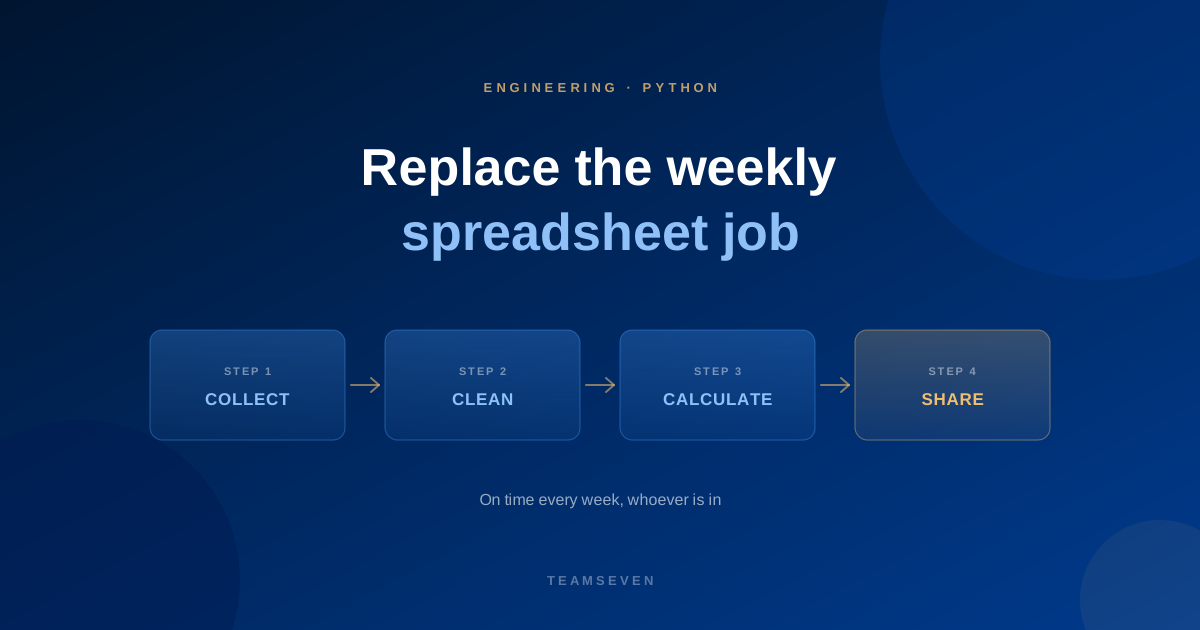
Most businesses have one: the weekly spreadsheet job. Every Monday someone downloads a few exports, pastes them into a workbook, fixes the columns that never line up, removes duplicates, runs some formulas and emails a report. It takes a couple of hours, and when that person is away, it doesn't happen.
It's one of the most common hidden costs of manual work, and one of the easiest to fix. Python is often the right tool, and it's one we use on client work for exactly this kind of data and automation job.
What the job usually looks like
- Collect exports from several systems: sales, bookings, accounts, a supplier portal
- Clean them: fix dates, trim spaces, match names that are spelled differently
- Combine them into one table
- Calculate totals, comparisons and exceptions
- Share the result as a spreadsheet, a PDF or an email
Every step follows rules the person doing it could explain. That's what makes it a good candidate for automation.
How a Python automation replaces it
- Collect: pull data straight from each system's API or database, or pick up files dropped into a shared folder
- Clean and combine: apply the same rules every time, and flag anything that doesn't fit instead of guessing
- Calculate: the same formulas, written once and tested
- Share: generate the report and send it, or write it to a dashboard
- Run on a schedule, with an alert if something fails
The report arrives on time every week, whether or not anyone is in.
Why Python fits this job
Python has excellent tools for reading, cleaning and reshaping data, and for talking to most systems' APIs. It's well suited to scripts that run on a schedule and do one job well. For bigger, user-facing products we usually use Node.js, but for data and automation work like this, Python earns its place.
When a script isn't enough
A script is right when the job is a report. It's not enough when:
- People need to edit the data, not just read it
- The numbers are needed live, not weekly
- The spreadsheet has become the system of record for day-to-day work
Then the real fix is a proper system, or connecting the tools you already have. See signs your business has outgrown spreadsheets and systems integration.
How to start
Pick the weekly job that everyone dislikes most. Write down each step and the rules behind it, and collect a few weeks of examples, including the awkward ones. That's the brief. Our Python development page covers how we approach it, and our business process audit helps find which jobs are worth automating first.
How long does it take to automate a spreadsheet report?
A single report with clear rules is often a small piece of work. The time goes into agreeing the rules and handling the messy data, not the code.
Do we need to change our existing systems?
Usually not. The automation reads from the systems you already use. If a system has no export or API, that's worth checking first.
Who looks after the automation afterwards?
Scripts need occasional updates when a source system changes. We document what we build and can maintain it, or hand it to your team.
Stay connected
Build notes, launches, and new articles from the Teamseven team.