
The Risks of AI-Generated Code, and How Engineers Control Them
Where AI-generated code goes wrong, from logins to data models to billing, and the review habits, tests and rules that engineers use to keep it safe.

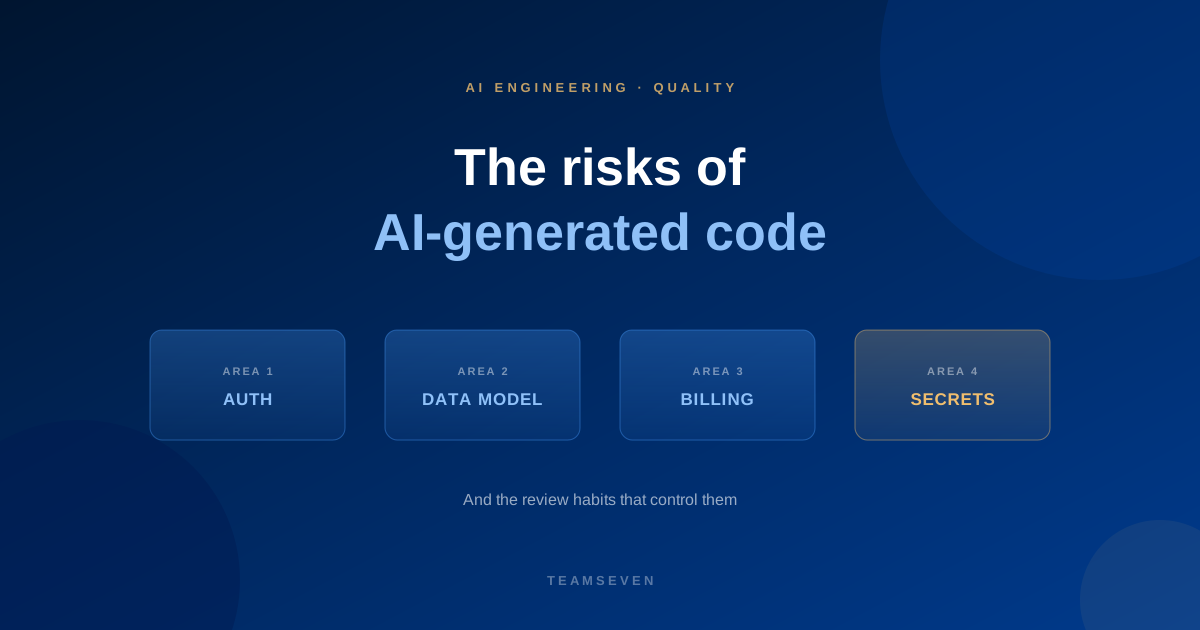
AI-generated code is risky when nobody reads it. It looks tidy and confident, it often works on the first run, and it can still leave logins open, mix customers' data together or charge people wrongly. The controls are not exotic. They are review, tests, clear rules about what the tool may see, and an engineer who owns the result.
We see this from the rescue side. When an app built with an AI tool comes to us, the problems cluster in the same places each time.
Where AI-generated code goes wrong
Authentication and access. Login flows that work for the happy path and skip checks elsewhere. A page that hides a button but does not stop the request behind it. Our post on security holes in AI-built apps lists the ones we find most often.
The data model. Tables designed for the first screen rather than the product. Customers' records stored together without a clear rule about who can see what. Changes that become painful as soon as there are real users.
Billing. Payment flows that handle the successful payment and fumble the failed card, the refund or the upgrade. See Stripe subscriptions: trials, upgrades and dunning for what the edge cases are.
Secrets. Keys and passwords pasted into code or committed to a repository, because the tool put them where it was convenient.
Invented dependencies and calls. References to packages, functions or options that do not exist, or that do something slightly different from what the tool assumed.
Drift. Each piece written well on its own, with no regard for how the rest of the codebase is organised. After a few months nobody can say how things are meant to fit together.
The controls that work
1. A person reads every change
The most effective control is also the simplest. Every AI-assisted change is read by an engineer before it merges, the same way a colleague's pull request would be. Small changes are easier to read well, so keep them small.
2. Run it and test it
Code that looks right is not evidence. The engineer runs the change, and tests cover the behaviour that matters, including the unhappy paths: bad input, failed payments, users who should not see something. Assistants can scaffold tests quickly. The engineer adds the cases the tool missed.
3. Give sensitive areas extra care
Authentication, access rules, the data model, migrations, payments and anything touching personal data get slower, more deliberate review, and the design decisions stay with a person. Our builds follow the OWASP Top 10, with encryption for sensitive data and two-factor login as standard.
4. Keep secrets out
Secrets belong in configuration, not in code, and not in prompts. Scan for committed keys, and rotate any that were exposed.
5. Check what the tool suggests exists
If an assistant names a package or a function the engineer does not recognise, they confirm it before using it.
6. Hold the architecture
Someone owns the structure: where things live, what talks to what and which conventions apply. On larger work, that is an architect. Without it, speed turns into inconsistency.
7. Set the tool rules in writing
Decide which AI tools may see your code, what data must never go into a third-party tool, and who pays for them. Write it down, and make it part of the agreement with anyone who works on your code.
8. Document as you go
Short written notes on why decisions were made make a codebase survivable when people change. Assistants can draft them from the code, and an engineer corrects them.
What this looks like at Teamseven
Our AI-native engineers work with AI assistants every day, and they review and test what those tools produce. Our founders review the work. You decide which AI tools may see your code, and we follow that. We hold no security certifications, and we say so.
If you already have an AI-built app
You are not alone, and it is usually fixable. The first step is finding out what you have. Our code audit reviews the security, data, architecture and hosting of an existing app, with a written report and fixes for the critical issues. If the app needs more than that, our vibe-coded app rescue keeps what works and rebuilds what will not survive real users. We recently did this for a UK dentist whose AI-built practice app is now a multi-tenant SaaS sold to other practices.
Read more
- What is an AI-native engineer?
- AI-native engineer vs traditional developer
- What a code audit should tell you
Is AI-generated code safe to use in production?
It can be, after the same review you would give any contributor's code. It is not safe to ship unread. The risk comes from skipping review, tests and attention to sensitive areas, not from the fact that a tool wrote the first draft.
How do I review AI-generated code?
Read the whole change, run it, and test the unhappy paths. Pay special attention to authentication, access rules, data handling and payments. If you cannot explain what a piece of code does, do not merge it.
Should I ban AI coding tools on my codebase?
That is your decision. Reasonable cases for a ban include regulated data and contractual restrictions. If you allow the tools, set written rules about what they may see and review the output properly. We follow whichever policy you choose.
Can you fix an app that was built with an AI tool?
Yes. We review what you have, keep what is sound and rebuild what will not survive real users, usually authentication, the data model and billing. Start with a code audit if you want to know what you have first.
Stay connected
Build notes, launches, and new articles from the Teamseven team.