
Clinic Software for a Single Practice vs a Group: What Changes
Software that works for one clinic often breaks at three. What changes when a practice becomes a group: shared patients, locations, roles and reporting.

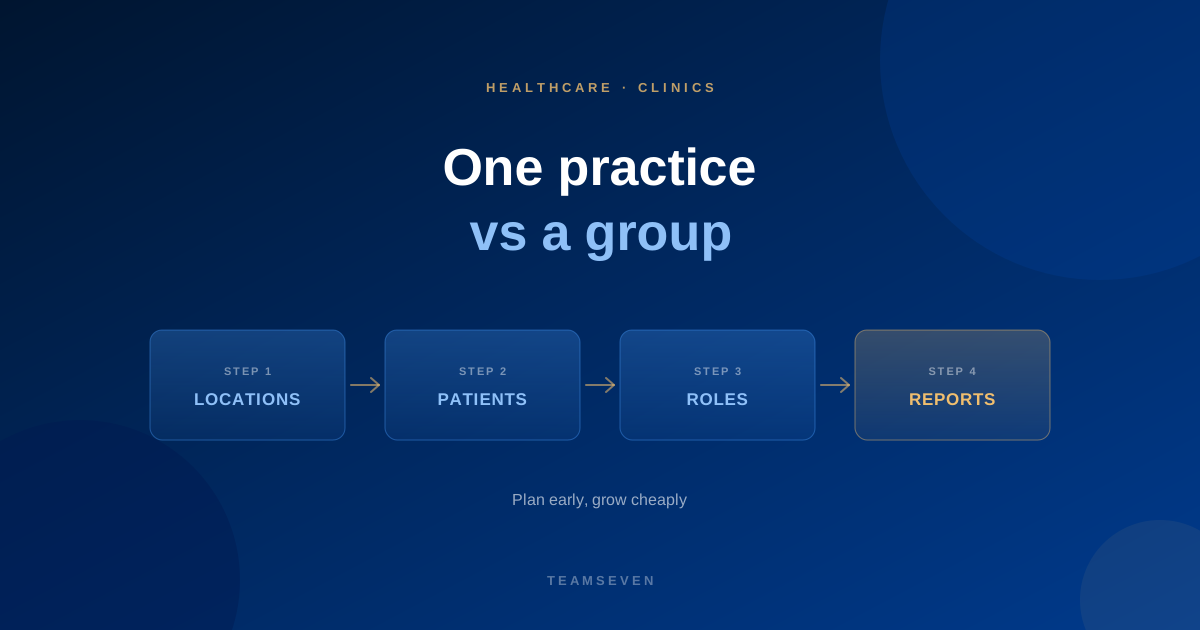
Many clinic systems start life serving one practice. That's sensible: you learn how the work really happens before generalising. The trouble comes later, when the practice opens a second site, joins a group, or decides to sell its software to other clinics.
We've seen this path up close. A UK dentist built a practice app with Claude to handle appointments, patients and pharmacy. It worked for one practice. We turned it into a multi-tenant SaaS that other practices now buy. Here's what had to change.
What a single practice needs
- One diary, a few clinicians, one set of opening hours
- Patient records, notes and history
- Booking, reminders and cancellations
- Simple reporting for the owner
At this size, almost any reasonable design works.
What changes in a group
Locations
Each site has its own hours, rooms, equipment and clinicians, and some clinicians work across sites. The booking system has to know which clinician is where, when.
Shared patients
A patient seen at one site may book at another. Their record should follow them, with the right access for each site's staff.
Roles and permissions
Receptionists, clinicians, practice managers and group managers need different views. A receptionist at one site usually shouldn't see another site's finances.
Reporting
Owners want to compare sites: appointments, no-shows, revenue and capacity. That's only possible if every site records things the same way.
Consistent rules
Appointment types, prices and policies need to be set centrally, with room for local differences.
What changes when you sell to other clinics
Selling the software turns it into a SaaS product. Now each clinic is a separate customer, a tenant, and:
- Every table needs rules that keep one clinic's data away from another's
- Each clinic has its own branding, settings and users
- Billing, onboarding and support become part of the product
This is exactly the work involved in turning the dentist's app into a product. Read more in turning a clinic app into SaaS and multi-tenant vs single-tenant SaaS.
How to plan for it early
You don't need to build for a group on day one. But a few early decisions make growth much cheaper:
- Record a location on every appointment, even if there's only one
- Keep roles and permissions separate from users
- Keep patient records separate from where they were seen
- Use consistent appointment types from the start
Can single-practice software be extended to a group?
Often, yes, if the data model allows it. Sometimes it needs reworking first, especially around locations, permissions and patient records. A review before you expand saves a painful migration later.
Should a group build its own clinic software?
Only if an existing product doesn't fit how the group works, or if the group plans to sell the software. Otherwise a proven product is usually cheaper. See custom software vs off-the-shelf.
Where can I see examples?
See our dental and clinic software page, healthcare software and online booking for medical practices.
Stay connected
Build notes, launches, and new articles from the Teamseven team.